
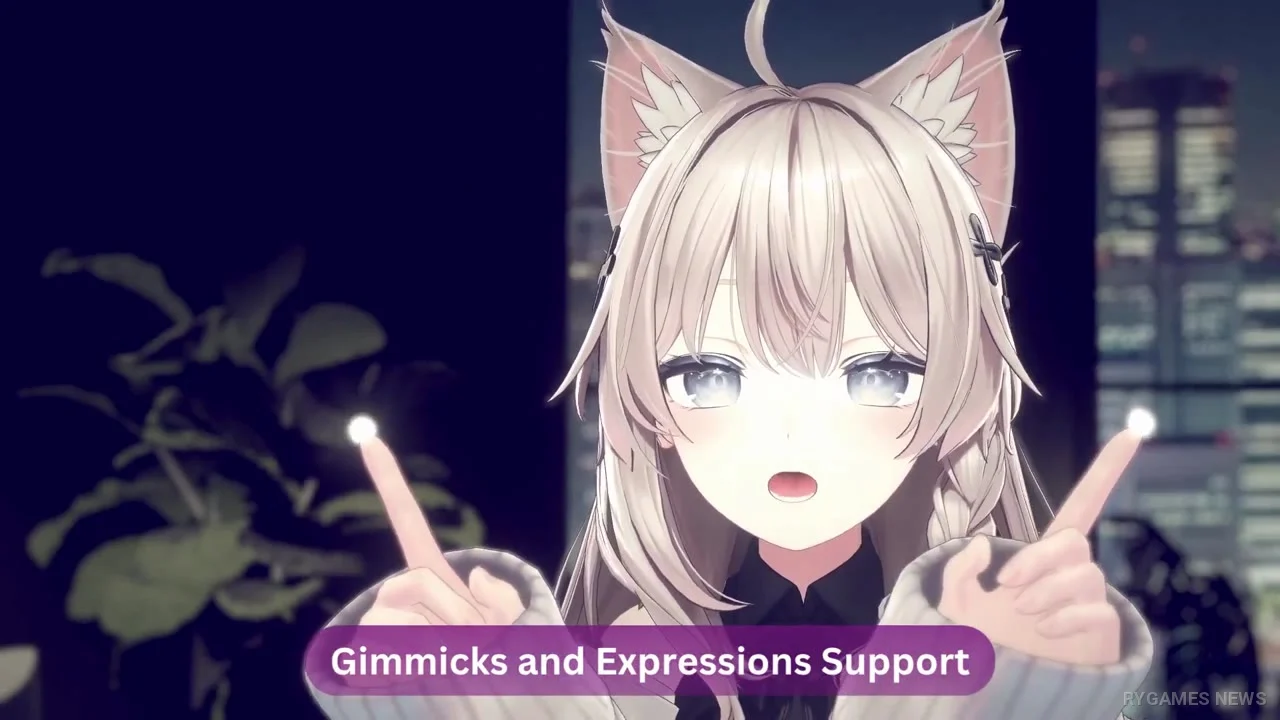
Webcam Motion Capture Version 1.12.1 is now available, bringing one of the application's most significant recent avatar-workflow updates into its latest public release: VRChat model support.
The update also adds Prop animation support to Idle Animation, expands keyboard expression shortcuts, improves handling for duplicate blendshape names, and fixes two crashes involving UniVRM models and saved expression settings.
Quick Summary
- Software: Webcam Motion Capture
- Latest version: 1.12.1
- Official site release date: August 29, 2026
- X announcement: August 30, 2026 in Japan
- Developer / operator: KWCL Inc.
- Software type: VTuber / motion capture application
- Platforms: Windows and macOS
- Windows: Windows 10 or later
- macOS: Catalina or later
- Apple Silicon Mac: Supported
- Intel Mac: Supported
- Tracking features: Free to try
- Major 1.12.1 update: VRChat model support
- VRChat custom shaders: Supported
- lilToon: Supported
- VRCFaceTracking: Supported
- PhysBones: Supported
- VRChat outfits and gimmicks: Supported
- Avatar export tool: WMCTool
- Unity workflow: VRChat Creator Companion or ALCOM
- Other major addition: Prop animations in Idle Animation
- Keyboard expression shortcuts: Increased to a maximum of 50
- Duplicate blendshape names: Now distinguished by the app
- UniVRM fix: Crash involving models without MorphTarget fixed
- Settings fix: Crash involving hold-key expression settings fixed
- Tracking: Hands, fingers, head, expressions, eye gaze, blinking, lip sync, upper body
- Full-body tracking: Available
- Idle Animation: Preset and custom animation support
- Custom animation formats: FBX and VRMA
- Sub-animations: Up to 20
- External tracking output: VMC Protocol
- Motion export: FBX
- Mobile face tracking: Supported
- OBS: Supported for streaming and recording
- Registered subscribers: More than 39,700
- Countries reached: More than 120
- Original launch: November 2021
Version 1.12.1 and Feature Demonstration
VRChat Avatars Can Be Brought Over More Directly
The biggest Version 1.12.1 change is VRChat model support, now listed directly in the application's latest release history.
Users first export their avatar with WMCTool in Unity. The official workflow supports projects opened through VRChat Creator Companion or ALCOM before the avatar is exported into a format Webcam Motion Capture can load.
The resulting workflow supports VRChat-specific elements including lilToon, VRCFaceTracking, PhysBones, outfits, and gimmicks, reducing the need to rebuild every avatar around a conventional VRM conversion.
The Feature Previously Appeared in Early Access
VRChat avatar support was first publicly demonstrated through an Early Access build in July 2026.
At the time, one of its major practical benefits was eliminating several steps associated with converting VRChat avatars to VRM before driving them with external tracking software.
With Version 1.12.1, VRChat model support is now included directly in the release notes for the version offered through the application's primary download page.
Idle Animation Now Supports Props
Another major addition is Prop animation support inside Idle Animation.
Idle Animation lets creators combine an animation with Webcam Motion Capture's face and hand tracking. Users can select built-in presets or load custom FBX and VRMA animation files.
Adding prop support expands the types of idle sequences creators can prepare, particularly poses or character performances that depend on additional animated objects.
Expressions and Blendshapes Also Get Improvements
Version 1.12.1 increases the maximum number of keyboard shortcut expressions to 50.
The application can also distinguish duplicate blendshape names on the same avatar, improving compatibility with more complex expression setups.
Two crashes were fixed as well: one involving UniVRM models exported without MorphTarget data, and another involving saved user settings with the hold-key expression option enabled.
Motion Tracking Still Requires Only a Webcam
The core appeal of Webcam Motion Capture remains unchanged: a computer or smartphone camera can drive a 3D avatar without requiring dedicated motion-capture hardware.
Supported tracking includes hands and fingers, head movement, upper body, facial expressions, eye gaze, blinking, and lip sync, alongside the application's full-body mode.
Motion data can also be transmitted through the VMC Protocol or exported to FBX for use in software such as Blender, Maya, and 3ds Max.
Why This Matters
1) VRChat creators can avoid more VRM-conversion work
Support for shaders, PhysBones, outfits, and gimmicks helps preserve more of an avatar's original VRChat setup.
2) Idle Animation becomes more flexible
Prop animation opens additional possibilities for poses and sequences involving objects rather than only the avatar skeleton.
3) The update improves complex avatar workflows
More expression shortcuts and better duplicate-blendshape handling directly benefit creators working with elaborate avatar setups.
Software Information
Additional confirmed information currently includes:
- Version 1.12.1 is listed as the latest release
- the Windows installer is approximately 228.99 MB
- the Apple Silicon package is approximately 309.22 MB
- the Intel Mac package is approximately 350.2 MB
- all tracking features can be tested without a subscription
- a subscription or license is required to hide the UI for streaming and to send tracking data to external apps or save FBX files
- commercial creation and monetization of streams, videos, animations, and games are permitted under the User Agreement
- VRChat avatars must be exported using WMCTool before loading
- WMCTool is installed in Unity as a custom package
- the official workflow supports VRChat Creator Companion and ALCOM
- Idle Animation supports presets, FBX, and VRMA
- up to 20 sub-animations can be configured and switched with keys
- motion data can be sent through the VMC Protocol
- mocopi tracking data can also be combined with Webcam Motion Capture
- iPhone and iPad users can use iWebcamMotionCapture for face tracking
- Android phones can be used as webcams through apps such as DroidCam
- the official guide recommends a bright, uncluttered room
- the camera should be positioned roughly at head height
- the face and chest should remain visible
- keeping elbows and forearms in frame improves hand tracking
- 640×360 is recommended for lower processing load
- 1280×720 is recommended for full-body tracking
- OBS can be used for avatar streaming and recording
- the official site reports more than 39,700 subscribers across 120 countries
- downloads are available through the Webcam Motion Capture Official Website
- complete release notes are available through Version History
- VRChat setup instructions are available through the Official User Guide
- the Version 1.12.1 announcement is available through Webcam Motion Capture Official X
Closing
Webcam Motion Capture Version 1.12.1 expands the VTuber workflow by making VRChat avatar support one of the headline features of its newest release while adding prop support to Idle Animation and improving expressions and blendshape handling.
The update is available now for Windows and macOS. No next-version feature roadmap has been announced, but the move from earlier VRChat experimentation into the main release makes avatar compatibility a notable direction for the software.

- Webcam Motion Capture Official X — Version 1.12.1 Release, VRChat Model Support, and Prop Animation Announcement
- Webcam Motion Capture — Official Version 1.12.1 Release History and Complete Update Notes
- Webcam Motion Capture — Official VRChat Avatar Export, Idle Animation, Tracking, and Setup Guide
- Webcam Motion Capture — Official Download, Platforms, Features, Subscription Rules, and User Statistics
- Metacul Frontier — Earlier VRChat Avatar Early Access Test and VRM Workflow Context